IrfanView Download
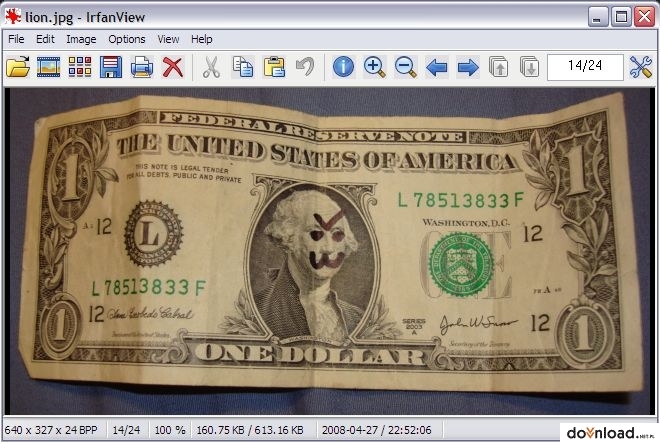
IrfanView to jeden z najlepszych programów służących do przeglądania, edytowania i konwertowania grafiki. Dzięki bardzo intuicyjnej obsłudze może być wykorzystywany zarówno do użytku niekomercyjnego, jak również dla firm, dzięki dostępności płatnej wersji programu. Jest to również jedna z najpopularniejszych przeglądarek grafiki na rynku, o czym świadczą aż 23 wersje językowe, w tym również polski. Podstawowe możliwości programu obejmują przeglądanie grafik i zdjęć, przycinanie obrazów, zmniejszanie rozdzielczości, a także dodawanie prostych efektów wizualnych. Posiada również uproszczoną wersję edytora do rysowania obrazów, pozwalającą m.in. na rysowanie, wypełnianie, obracanie czy wymazywanie stworzonej grafiki.
Niewątpliwą zaletą programu IrfanView jest obsługa kilkudziesięciu różnych formatów zarówno graficznych, jak również dźwiękowych oraz wideo. Kolejnym plusem widocznym już podczas pierwszych minut pracy, jest szybkość działania i stabilność programu, co zauważalne jest w szczególności w trakcie konwersji do rozmaitych formatów. IrfanView pozwala również na obsługę interfejsu TWAIN, dzięki czemu możliwe jest wczytywanie obrazów z takich urządzeń zewnętrznych jak skaner, kamera czy aparat cyfrowy. Ponadto posiada możliwość przeglądania miniaturek, dzięki czemu w błyskawiczny sposób można podejrzeć zawartość folderu. Współpracuje również ze sporą liczbą wtyczek zewnętrznych, a także posiada rozmaite narzędzia do operacji wsadowych na rozmaitych plikach.
Z najciekawszych funkcji dodanych w kolejnych wersjach programu, warto wyróżnić narzędzia umożliwiające tworzenie albumów fotografii w języku HTML. Dzięki temu możemy nie tylko w błyskawiczny sposób tworzyć rozmaite albumy, lecz także publikować je w Internecie i udostępniać znajomym. IrfanView umożliwia również kreowanie prezentacji multimedialnych, które następnie można zapisać w formacie EXE, w celu odtwarzania i dowolnej modyfikacji. Istnieje ponadto opcja nagrania stworzonej prezentacji na płytę CD lub zapisu w formie wygaszacza ekranu.
Program obsługuje formaty:
AIF, ANI/CUR, ASF, AU/SND, AVI, BMP/DIB, CAM (Casio JPG), CLP ,Dicom/ACR, DJVU, JPG2000, JPG/JPEG, KDC, LDF, LWF, MED, MID/RMI, MOV, MP3, MPG/MPEG, NLM/NOL/NGG, PBM/PGM/PPM, PCX/DCX, PhotoCD, PNG, PSD, PSP, RAS/SUN, RealAudio (RA), RLE, SFF, SFW, SGI/RGB, SWF (Flash/Shockwave), TGA, TIF/TIFF, WBMP, XBM, XPM, QTIF, Mac PICT, FLI/FLC, ASF, AU/SND/AIF, DAT (VideoCD), MID/RMI, MPG/MPEG, WAV, WMA, WMF
Zobacz też IrfanView PlugIns w celu rozszerzenia listy formatów i funkcji.